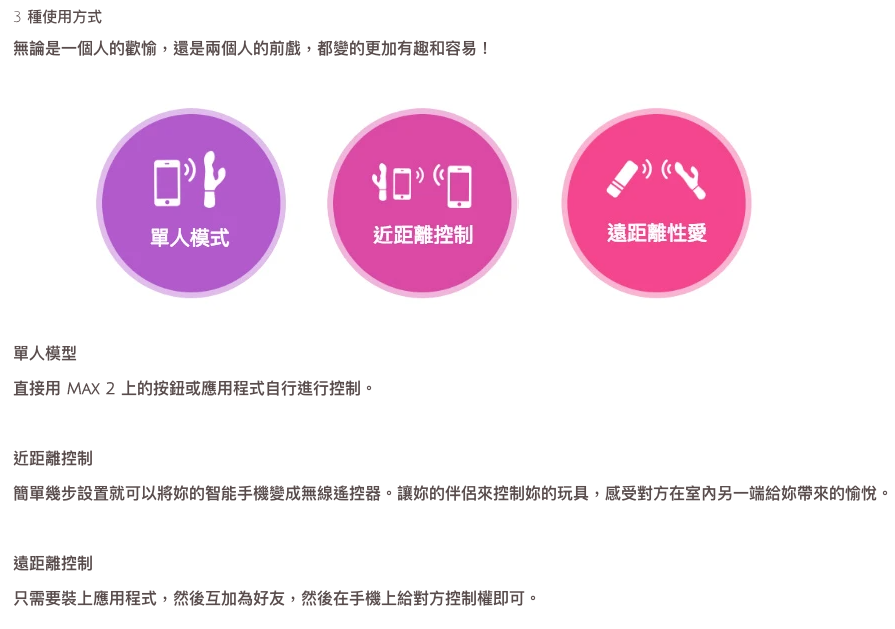
Control independently / one-way / two-way:
- Bluetooth control: 5 - 30 feet
- Internet control: any distance
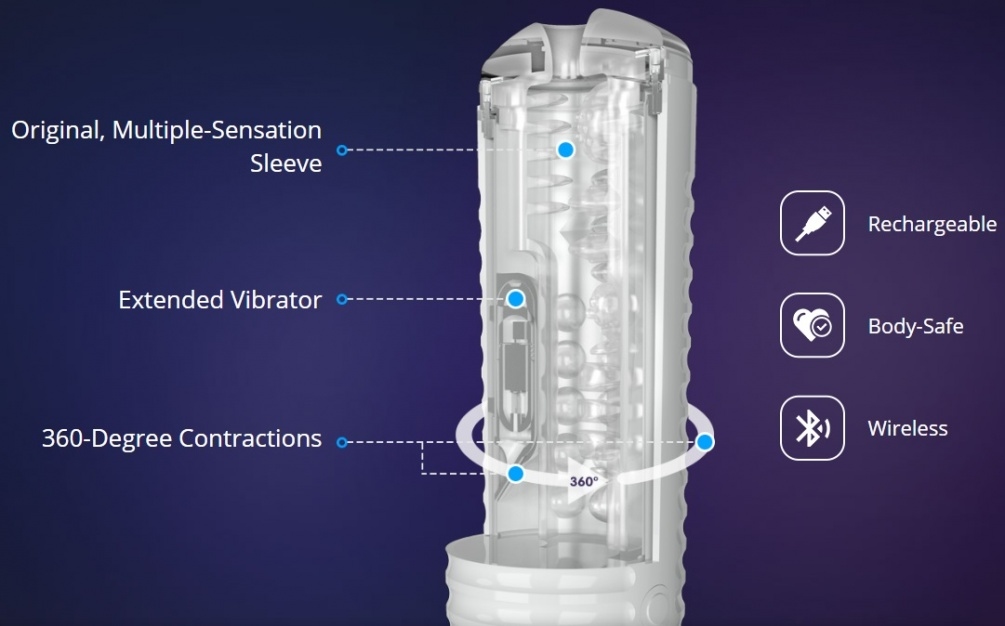
- Body-safe silicone / ABS
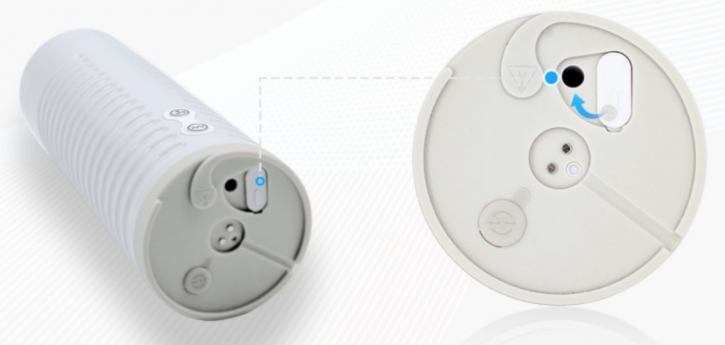
- USB charging
- 1-year warranty
Solo Control Mode:
1. Turn on "Max 2" - press and hold the lower button (near the flashing light) on your "Max 2" until the green light comes on
2. The upper button controls the inflation strength
3. The lower button controls the vibration intensity
4. Turn off "Max 2" - press and hold the upper button on your "Max 2" until the green light goes out
Couple Mode:
How to set up:
(Mobile)
1. Download the "Body Chat" mobile app (available on the App Store or Google Play)
2. Follow the instructions to create a new account and log in
3. Turn on Bluetooth on your phone
4. Turn on "Max 2" - press and hold the upper button on your "Max 2" until the green light comes on
5. After entering the "Body Chat" mobile app, tap the Bluetooth icon in the middle at the bottom
6. Then tap the "+" to pair your "Nora"
7. After finding your "Max 2", tap the Done button at the top right
(Desktop)
1. Download the "Body Chat" mobile app
2. Follow the instructions to create a new account and log in
3. Insert the Bluetooth USB dongle included in the box into your computer
4. Turn on Bluetooth on your computer
5. Turn on "Max 2" - press and hold the upper button on your "Nora" until the green light comes on
6. After entering the "Body Chat" desktop app, tap the "+" in "My Toys" to pair your "Max 2"
7. After finding your "Max 2", tap the Confirm button
Local Control:
(Mobile)
1. On the Bluetooth screen, tap your paired "Max 2"
2. The control panel will pop up automatically
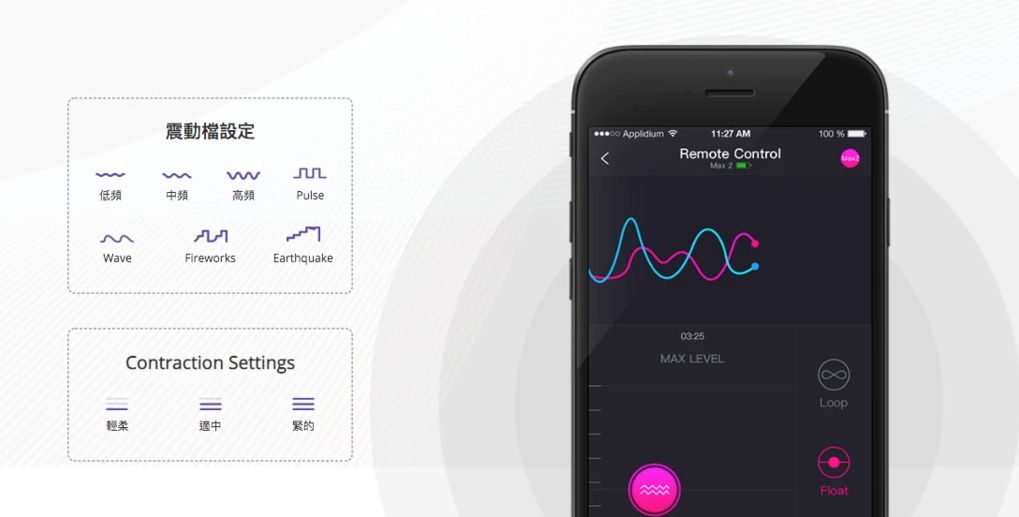
3. On the control panel, you can control the vibration intensity and the vibration and inflation intensity of your "Max 2"
4. Or you can also select songs from your own phone to control the vibration frequency and pattern
(Desktop)
1. In "My Toys", tap your "Max 2"
2. The control panel will then pop up
3. On the panel, you can control the vibration intensity and inflation intensity
4. You can also select your own songs to control the vibration intensity and inflation intensity
Long-Distance Control:
- Manual Control Mode (Mobile)
1. In the contacts screen of "Body Chat", tap the "+" at the top right to add a new contact
2. Enter your partner's email account and tap "Add" (please make sure you and your partner have both downloaded the "Body Chat" mobile app and have accounts)
3. After adding the contact, when your partner is online, tap your partner's name
4. You can choose "With video" or "Without video"
5. Your partner accepts the invitation
6. Your partner can use his / her mobile app to control your "Max"
(Desktop)
1. In the contacts screen of "Body Chat", tap the "+" in the contacts column on the left to add a new contact
2. Enter your partner's email account and tap "Add" (please make sure you and your partner have both downloaded the "Body Chat" mobile app and have accounts)
3. After adding the contact, when your partner is online, tap your partner's name
4. You can choose "Video call" or "Control"
5. Your partner accepts the invitation
6. Your partner can use his / her mobile app to control your "Max"
Automatic Control Mode:
You can use your "Max2" to control your partner's "Nora", and your partner's "Nora" can also control your "Max 2" at the same time.
1. First, choose "With video" or "Without video"
2. Your partner accepts the invitation
3. The control panel will then appear
4. Please make sure it is switched to automatic control mode
5. You can now choose to control "Nora" one-way with your "Max 2" (tap the arrow icon until the arrow points one way, from blue to red)
6. Or, one-way, let "Nora" control your "Max 2" (tap the arrow icon until the arrow points one way, from red to blue)
6. Or control each other both ways at the same time (tap the arrow icon until the arrows point both ways, blue and red pointing at each other)
Imported from Hong Kong




 (+

 Follow Our Instagram